
Are you a quiz enthusiast on the hunt for the best WordPress quiz plugins? Then, your search ends here.
Quizzes are one of the great ways to keep your audience engaged on your site. Also, it’s a fun way to capture invaluable customer data.
Thus, in this article, we’ll go through a list of the 10 best WordPress quiz plugins.
We’ll explore their features, user-friendliness, cost, and more. This’ll give you a bird’s eye view of what each quiz plugin brings to your WordPress site.
So, let’s dive in!
Why Do You Need Quiz Plugins?
Quizzes attract people with challenges, competitions, and entertaining knowledge tests.
So, the best WordPress quiz plugin helps you to make interactive quizzes without breaking a sweat.
Besides that, here are some compelling reasons why you need them.
- Enhanced User Engagement: Quiz plugins provide an interactive quiz experience, capturing readers’ attention and increasing their time on your website.
- Increased Social Sharing: Quiz plugins often come with built-in social sharing buttons, making it easy for users to share their quiz results.
- Audience Insights and Data Collection: You can collect valuable data about your audience for targeted marketing campaigns using quiz plugins.
With that said, let’s move on to our list of the best WordPress quiz plugins.
10 Best WordPress Quiz Plugins for 2023
1. Everest Forms
Everest Forms is undoubtedly one of the popular form builder plugins, trusted by over 100,000 users.
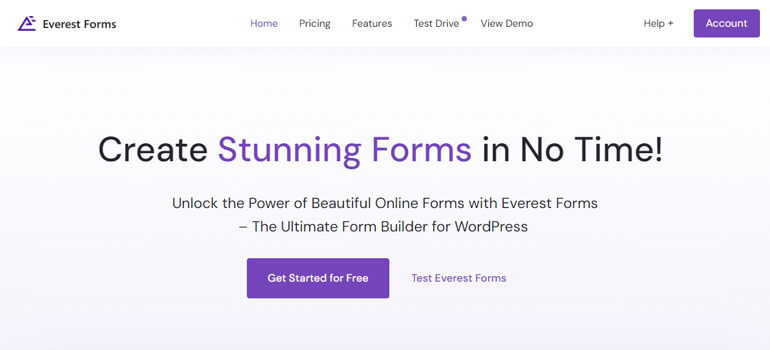
It’s an exceptional drag-and-drop form builder that also allows you to create informative and engaging quizzes for your site.
The plugin’s Survey, Polls and Quiz addon facilitates the creation of compelling surveys, polls, and quizzes.
The plugin also lets you use different quiz field types like Checkboxes, Multiple Choices, and Dropdown fields.
Furthermore, Everest Forms offers various customization options for your quizzes. For instance, you can choose to reveal the correct answers and scores during the quiz.
Key Features of Everest Forms:
- Pre-designed form templates
- Unlimited form fields option
- Google Sheets integration
- Enable quiz reporting
- Ensures spam protection
Pricing:
The free version of Everest Forms is available on WordPress.org.
If you want to upgrade to a premium plan, Everest Forms Pro starts at $48.3/year.
2. Thrive Quiz Builder
Thrive Quiz Builder, developed by Thrive Themes, is one of the best WordPress quiz plugins.
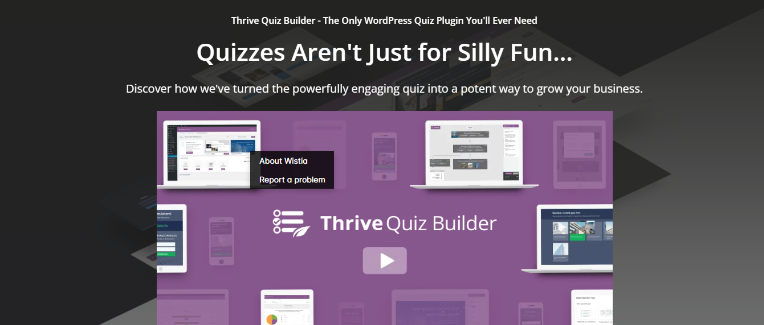
It lets you create a variety of quizzes, such as personality quizzes, right/wrong quizzes, and scored quizzes.
This gives you the flexibility to create the right type of engagement for your audience.
This plugin not only enhances user engagement but also helps increase traffic with social media sharing.
It’s also the best WordPress quiz plugin for data collection. All results are compiled into systematic reports, allowing you to monitor the number of submissions for each answer.
Key Features of Thrive Quiz Builder:
- 4 quiz-designed templates
- Optimized for social sharing
- Quiz dashboard to track your analytics
- Easily navigate quizzes with a visual editor
- Resize images and add text with any formatting
Pricing:
Thrive Quiz Builder is a premium plugin that’ll cost you $99/year.
3. Quiz and Survey Master
When it comes to the best WordPress quiz plugins, Quiz and Survey Master is the one to consider.
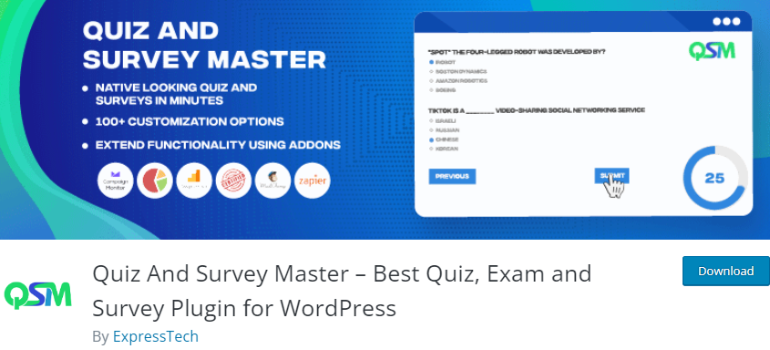
This plugin is the ultimate solution for creating engaging quizzes and surveys in WordPress.
It’s super easy to install and set up this plugin. Thus, you can start creating effective quizzes in minutes.
With its powerful add-ons, you can enable various functionalities such as saving and resuming quizzes, accessing advanced reports, and applying logic conditions.
Furthermore, the plugin offers complete customization options for all the text. This allows you to include personalized messages, labels, and other elements.
Key Features of Quiz and Survey Master:
- Export quiz results as a PDF file
- Display a personalized dashboard
- Set a visible timer to track the duration
- Display quizzes and surveys as popups
- Certificate distribution after completion of the quiz
Pricing:
Download the free version of Quiz and Survey Master from WordPress.org.
You can purchase the premium version of Quiz and Survey Master starting just at $129/year.
4. Forminator
Forminator is one of the best WordPress plugins that enable you to create various types of forms, quizzes, and surveys.
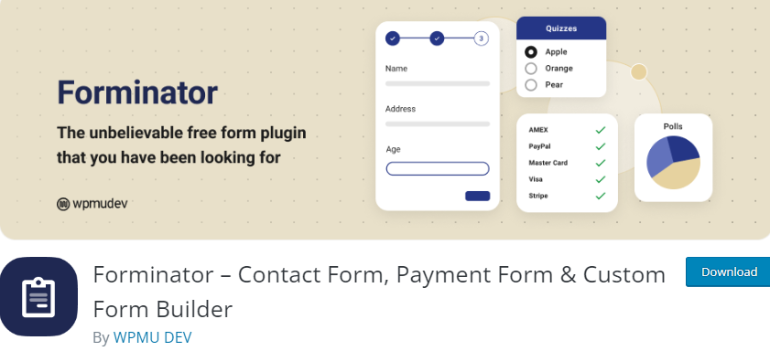
With Forminator, you can create simple question-answer formats to more complex challenging quizzes.
These quizzes can then be shared by users across their social media platforms, further increasing your site’s exposure.
Additionally, Forminator comes with several third-party integrations like email services, CRM platforms, etc.
Overall, Forminator is the ultimate and best quiz plugin for WordPress.
Key Features of Forminator:
- 25+ supported forms fields
- Create BuzzFeed-style quizzes
- Adjust form, poll, and quiz privacy
- General Data Protection Regulation (GDPR) compliance
- Stripe and PayPal integration
Pricing:
Forminator is a freemium plugin so you can easily explore its free version before purchasing the Pro plugin. The premium plans start at just $3/month.
5. Formidable Forms
With over 300,000+ active users, Formidable Forms is the most advanced premium WordPress plugin.
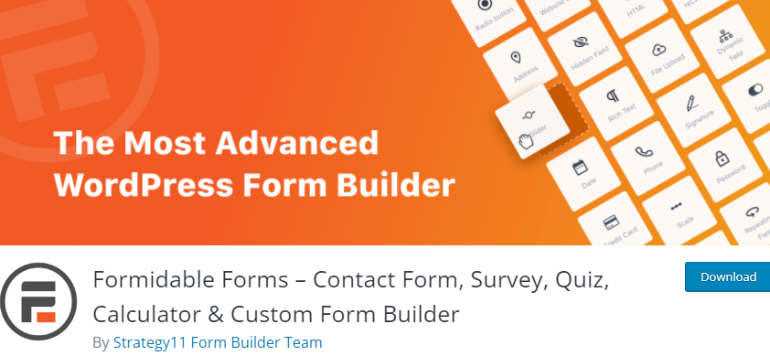
It provides various features to enhance the quiz experience, such as scoring, conditional logic, timers, progress bars, and more.
By exploring these features, you can easily customize quiz forms according to your specific requirements.
This plugin uses conditional logic to create dynamic quizzes. You can show or hide questions based on previous answers, creating a personalized quiz experience for each user.
Key Features of Formidable Forms:
- Collect customer feedback and data
- Show checkboxes in quizzes and surveys
- Scoring and custom grading scales
- Detailed analytics and reporting
- RTL (Right-to-Left) support
Pricing:
You can download the free version of Formidable Forms from WordPress.org.
For advanced features, you can try Formidable Forms Pro with its Basic Plan starting at $39.50/year.
6. Opinion Stage
When considering the best WordPress quiz plugins, Opinion Stage certainly stands out. It’s a top-notch, free WordPress quiz plugin that comes with all the standard features.
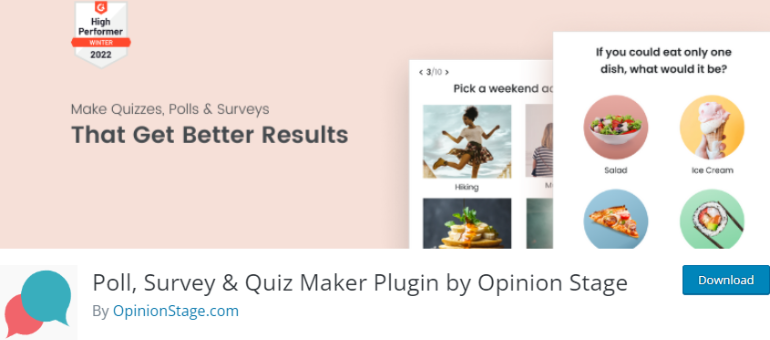
With this plugin, you get to choose from a variety of quiz templates that ease the initial creation process.
Once you’re done building, you can conveniently integrate it as a popup in the sidebar of your site.
This plugin is considered the best quiz plugin due to its wide range of features like views, responses, and the ability to integrate images and videos, etc.
Key Features of Opinion Stage:
- Display quiz results in real-time
- Notify with email on quiz submissions
- CSV results exporting
- Advanced analytics dashboard
- Integrate with Mailchimp, HubSpot, etc.
Pricing:
The Basic Plan for this plugin is free of cost while the paid plans start at $25/month.
7. eForm
eForm is a premium WordPress quiz plugin that offers extensive features for generating quizzes, surveys, and collecting data.
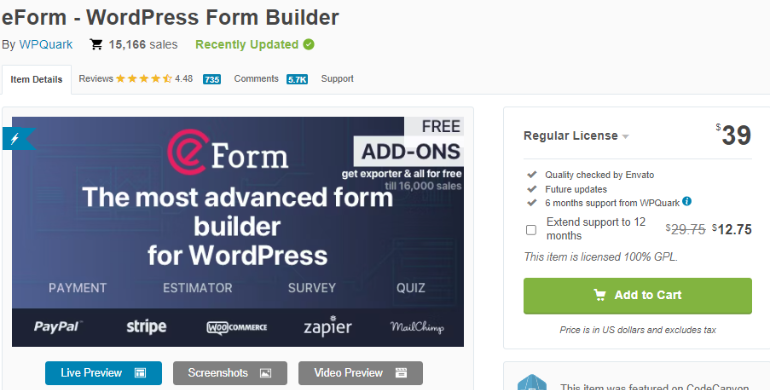
The plugin offers 15+ pre-designed quiz elements, which even includes a manual scoring element for quizzes.
This manual scoring helps with text-based questions, while automatic scoring helps with MCQ-based questions.
Moreover, it easily integrates with third parties like ActiveCampaign, Mailchimp, reCAPTCHA, Zapier, and more.
Key Features of eForm:
- Scoring and ranking system
- Tabular or paginated multi-page forms
- Digital signature elements
- Fast and scalable quiz plugin
- Option to share quiz results on social platforms
Pricing:
The Regular License for this premium plugin costs you a one-time charge of $39.
8. HD Quiz
HD Quiz is a highly versatile, free WordPress quiz plugin designed for creating quizzes on a WordPress site.
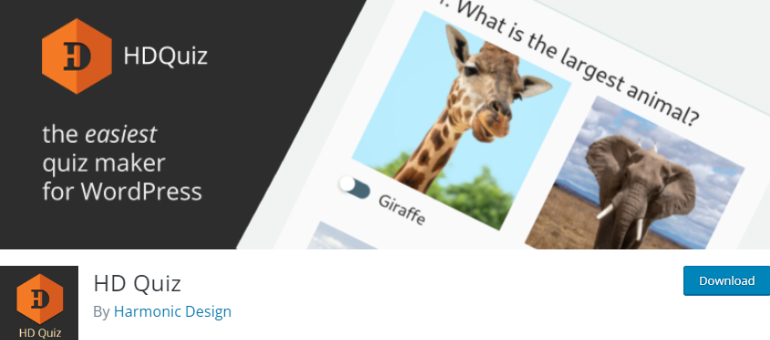
It allows you to create unlimited quizzes and multiple text-based questions.
One of its notable features is the ability to support images or animated GIFs in your quizzes. This makes your quiz more interactive and visually appealing.
Furthermore, HD Quiz integrates a timer system for each quiz and each question.
Thus, it makes the quiz-taking process more challenging and enjoyable.
Key Features of HD Quiz:
- Randomized question-and-answer order
- Free add-on to save results of quizzes
- Social sharing options
- Mobile and touch-friendly
- CSV question importer
Pricing:
HD Quiz is a completely free plugin, so you can enjoy all its features free of cost.
9. Quiz Cat
When discussing the best WordPress quiz plugins, Quiz Cat truly stands out. This fantastic, free WordPress plugin offers an easy-to-use interface to create quizzes for your website.

With this plugin, you can create numerous quizzes, each including multiple questions featuring two to four answer options.
Likewise, it randomly shuffles the quiz questions for better variety. Also, you can add pictures to each question and response.
Quiz Cat is fully customizable, allowing you to modify headlines, images, and buttons.
Additionally, you can also modify descriptions based on the score of a participant in the quiz.
Key Features of Quiz Cat:
- Email capture after quiz completion
- Redirect to URL after quiz completion
- Facebook pixel integration
- Analytics reporting and CSV exporting
- Gutenberg compatible plugin
Pricing:
Try the free version of Quiz Cat by downloading the plugin from WordPress.org. The Personal plan starts at $69/year if you’re looking to try the premium version instead.
10. Watu Quiz
Watu Quiz is a freemium and lightweight plugin, for creating quizzes and surveys.

The plugin offers various features, such as scoring quizzes based on grade or personality type, and question randomization.
It also provides social sharing capabilities for platforms like Facebook and Twitter.
Moreover, the plugin provides the ability to view a comprehensive list of all the participants who have taken your quiz.
This also includes viewing their respective results.
Key Features of Watu Quiz:
- Inform admin when someone takes a quiz
- Set quizzes for a specific date and time
- Mobile-optimized user interface
- Sharing the test results on social platforms
- Multiple-choice questions
Pricing:
Watu Quiz is a freemium plugin. So, you can install and use the free version for the basic features. For the premium version, you’ll need to pay a one time charge of $47.
Wrapping It Up!
And that wraps up our article on the 10 best WordPress quiz plugins!
WordPress quiz plugins are an excellent tool to create interactive quizzes that captivate their audience.
If you’re still unsure about which plugin to select, we highly recommend Everest Forms.
It stands out for its abundant features and easy-to-use interface, making it a worthwhile addition to your WordPress site.
For more tips, updates, and discussions, don’t forget to follow us on Facebook and Twitter.
Thanks for reading!






![Zakra 3.0 | Zakra Pro 2.0 Release [Major Updates!]](https://i.ytimg.com/vi/g3rifl7kWvg/maxresdefault.jpg)