Wondering how to change color of submit button in your WordPress forms without touching any code? If yes, this article is all you need. The catchy appearance of the submit button plays a vital role in grabbing your user’s attention and encouraging them to submit the form. By default, the submit buttons in the WordPress[…]
Want to enable your users to select the date and time in your WordPress form? But don’t know how to create a WordPress date time picker form? Then, this easy tutorial is just for you. If you’re thinking that adding a date time picker calendar to your contact form is an intimidating task, it’s not.[…]
Wondering how to send data from WordPress form to Google Spreadsheet? Hop in; this post is just for you. If you want to keep detailed records of your WordPress form entries, Google Sheets is the best, and free spreadsheet program. You can easily create, edit, and collaborate with others on the spreadsheet. Connecting your WordPress[…]
If you’re wondering how to create a Likert scale survey in WordPress, this article is just the thing for you. The American psychologist Rensis Likert first introduced a Likert scale in 1932 for conducting social and educational research. Today, it’s the widely used approach for measuring the attitude and opinion of audiences towards products, services,[…]
If you need a personalized form for your users, learning how to add a WordPress repeater field to the form is a must. Having a repeater field means the users can create as many subfields as they wish for and enter all the necessary data. And in turn, you get customized data from each of[…]
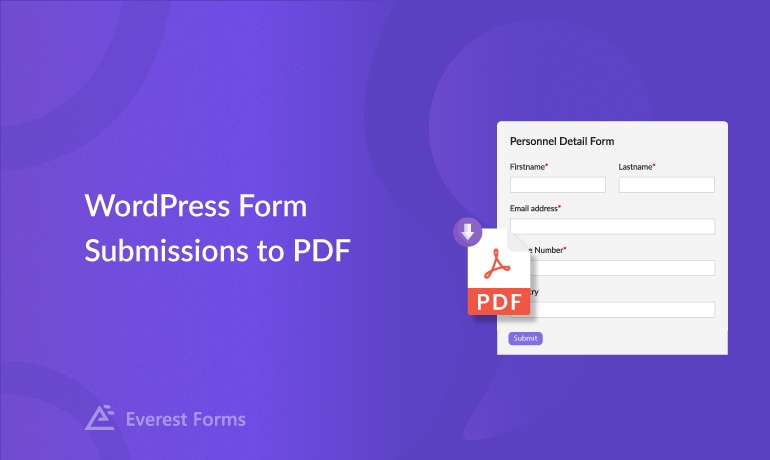
Need to convert your WordPress form submissions to PDF? All you need is a WordPress PDF generator plugin like Everest Forms and this step-by-step tutorial. Let’s get right into it! How to Convert WordPress Form Submissions to PDF? Although the WordPress repository offers a fantastic collection of WordPress PDF generator plugins, Everest Forms is the[…]