Stop Form Spam Before It Reaches Your Inbox
Everest Forms includes layered spam filtering, bot blocking, and GDPR consent tools built into the plugin. No third-party security service required.
Why it matters
What an unprotected WordPress form costs you
A standard contact form with no protection is a target from day one. Here is what that looks like in practice.
Bots fill your inbox with junk
Automated bots submit contact forms within days of a site going live. Each fake submission is time spent deleting instead of responding to a real lead. If entries route to a CRM, junk data follows.
Anyone can submit anything, anytime
Without submission controls, a form stays open past capacity, after a deadline, or to users who should not have access. Entries go through with no review step before confirmation emails fire.
No consent log means no GDPR proof
GDPR applies to any WordPress site collecting data from EU visitors, including a basic contact form. A missing consent log means you cannot prove acceptance if asked by a data protection authority.
Spam protection
Nine ways to block spam before it reaches your inbox
Everest Forms lets you stack multiple spam defenses on the same form. Start with Honeypot for zero friction, add a CAPTCHA for bots that slip through, and route edge cases through Akismet.
Tier 1 — Zero friction
Invisible to the user — no interaction required
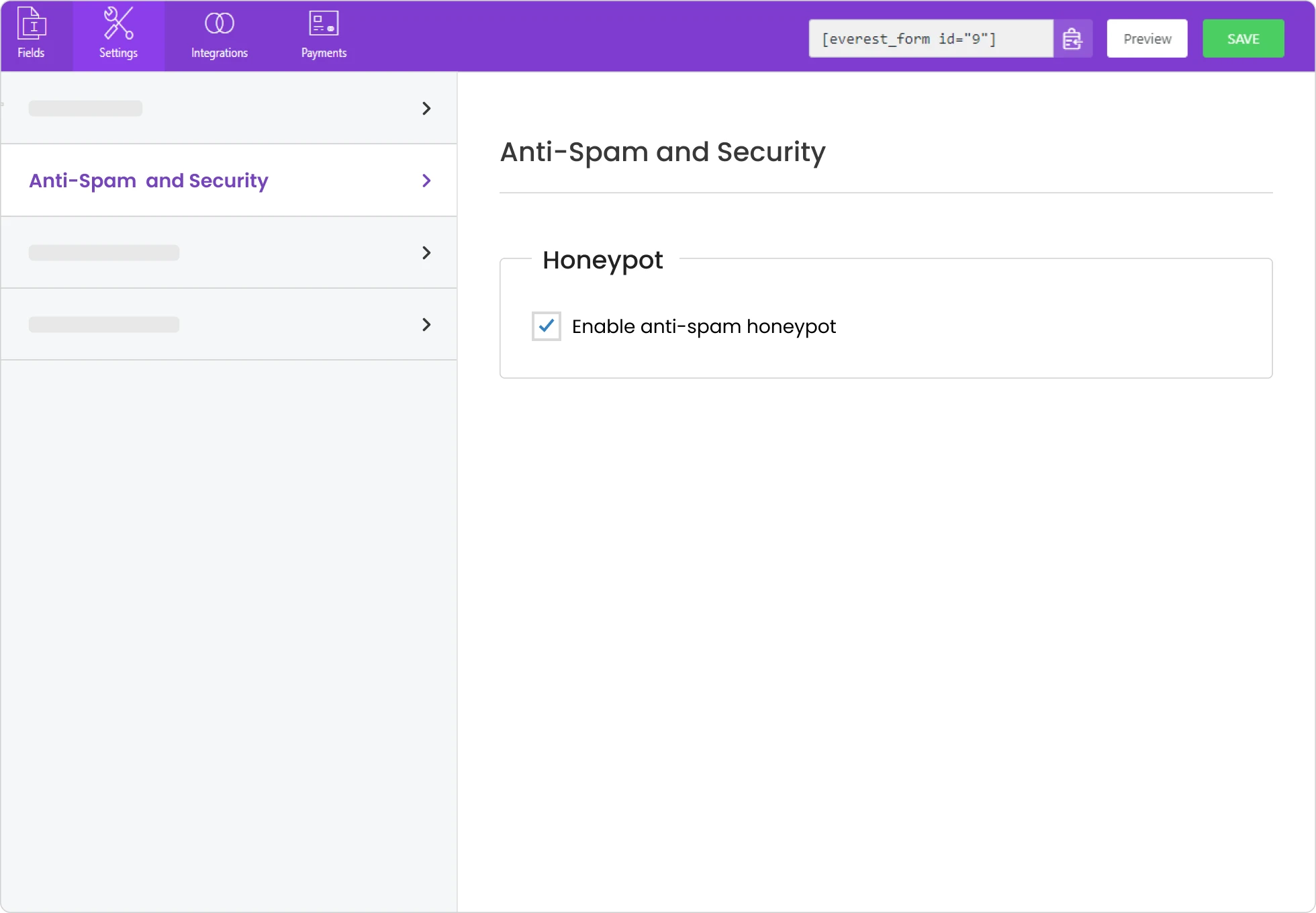
Honeypot
Silent hidden field. Invisible to real users, visible to bots. On by default — no setup needed.
Google reCAPTCHA v3
Scores submissions invisibly in the background. No puzzle or checkbox shown to real users.
Tier 2 — Challenge-based
User sees a visible challenge before submitting
Custom CAPTCHA
Simple math or text challenge you configure yourself. No external account or API key required.
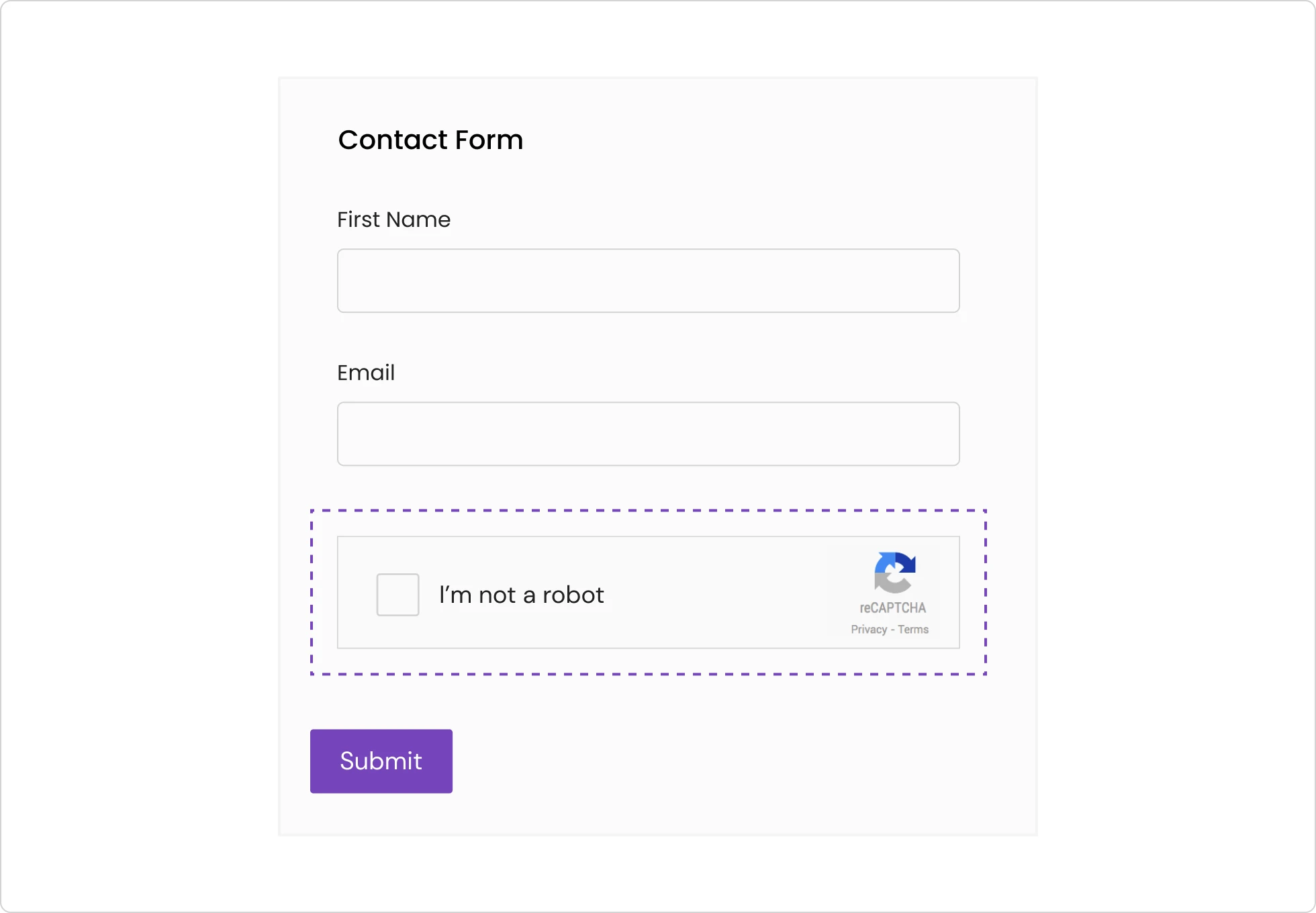
Google reCAPTCHA v2
Checkbox or image challenge served by Google. Widely recognised and trusted by users.
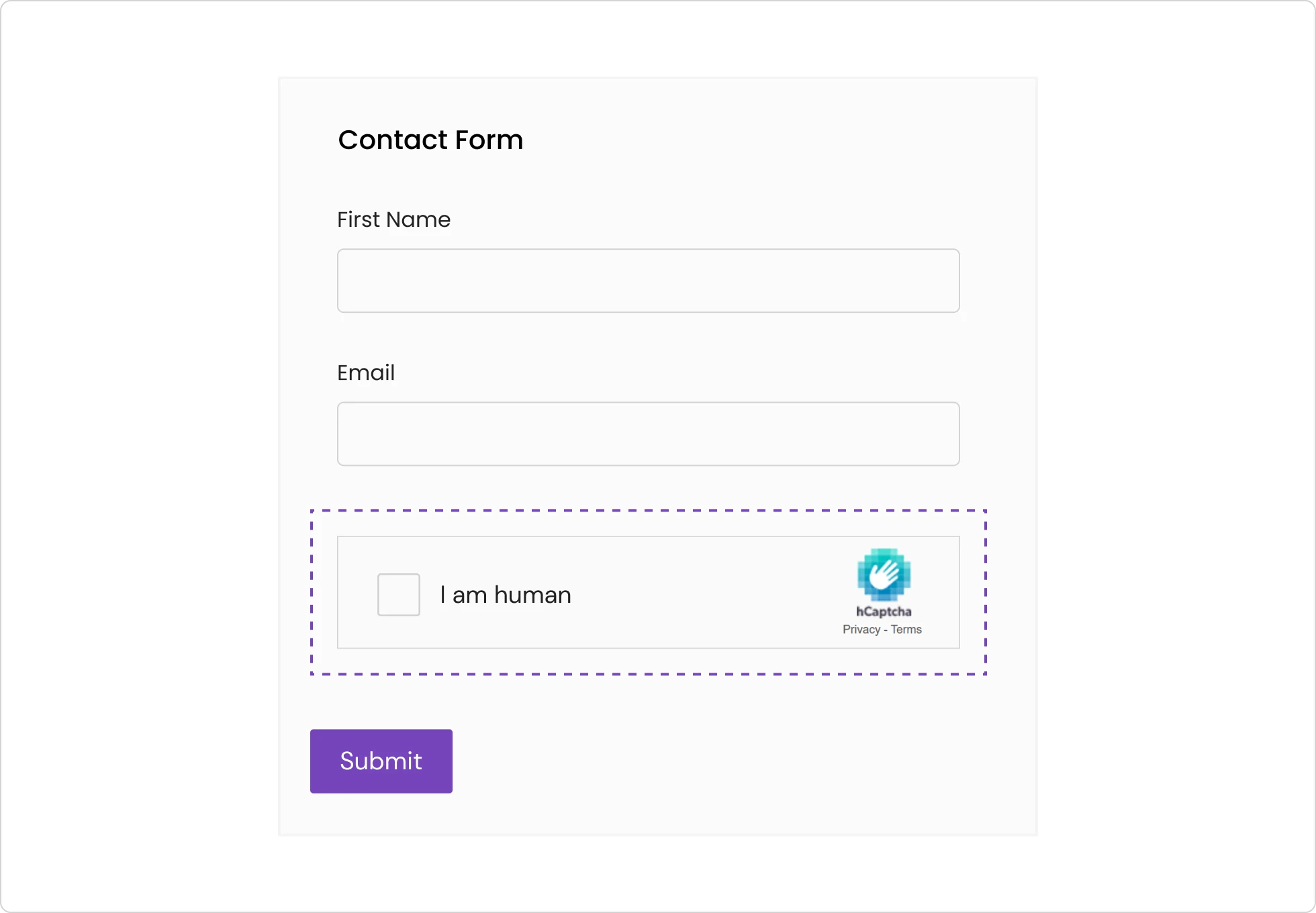
hCaptcha
Privacy-focused CAPTCHA alternative. Does not send user data to Google.
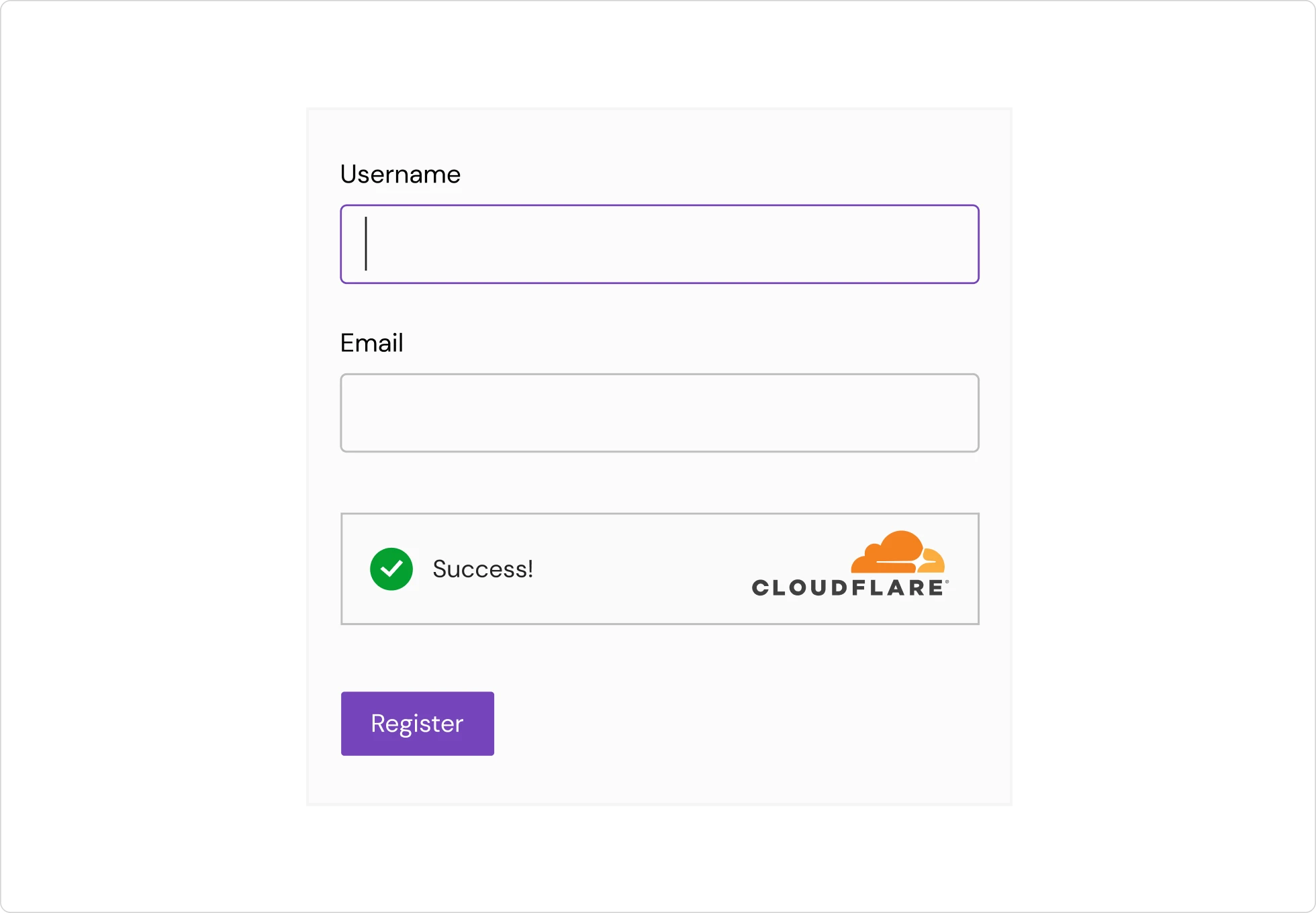
Cloudflare Turnstile
Low-friction visual verification from Cloudflare. No image puzzles — passes most users silently.
Tier 3 — Database-backed
Cross-site intelligence and submission rules
Akismet
Checks each submission against a global cross-site spam database before it reaches your inbox.
CleanTalk
Cloud spam filter that checks submissions server-side. No CAPTCHA shown to users at any point.
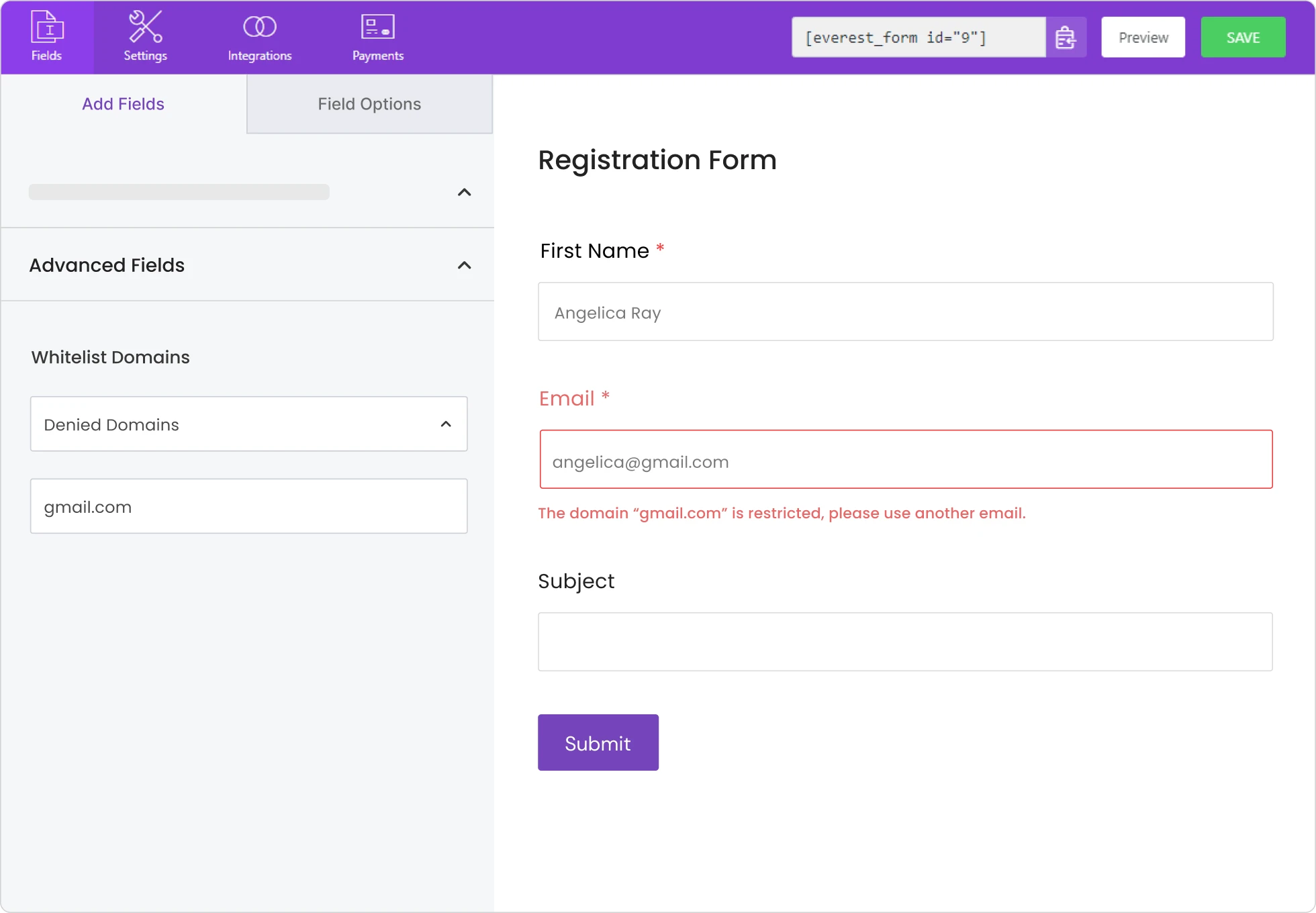
Domain whitelist / blacklist
Allow or block form submissions based on the email domain. Blocks disposable address services automatically.
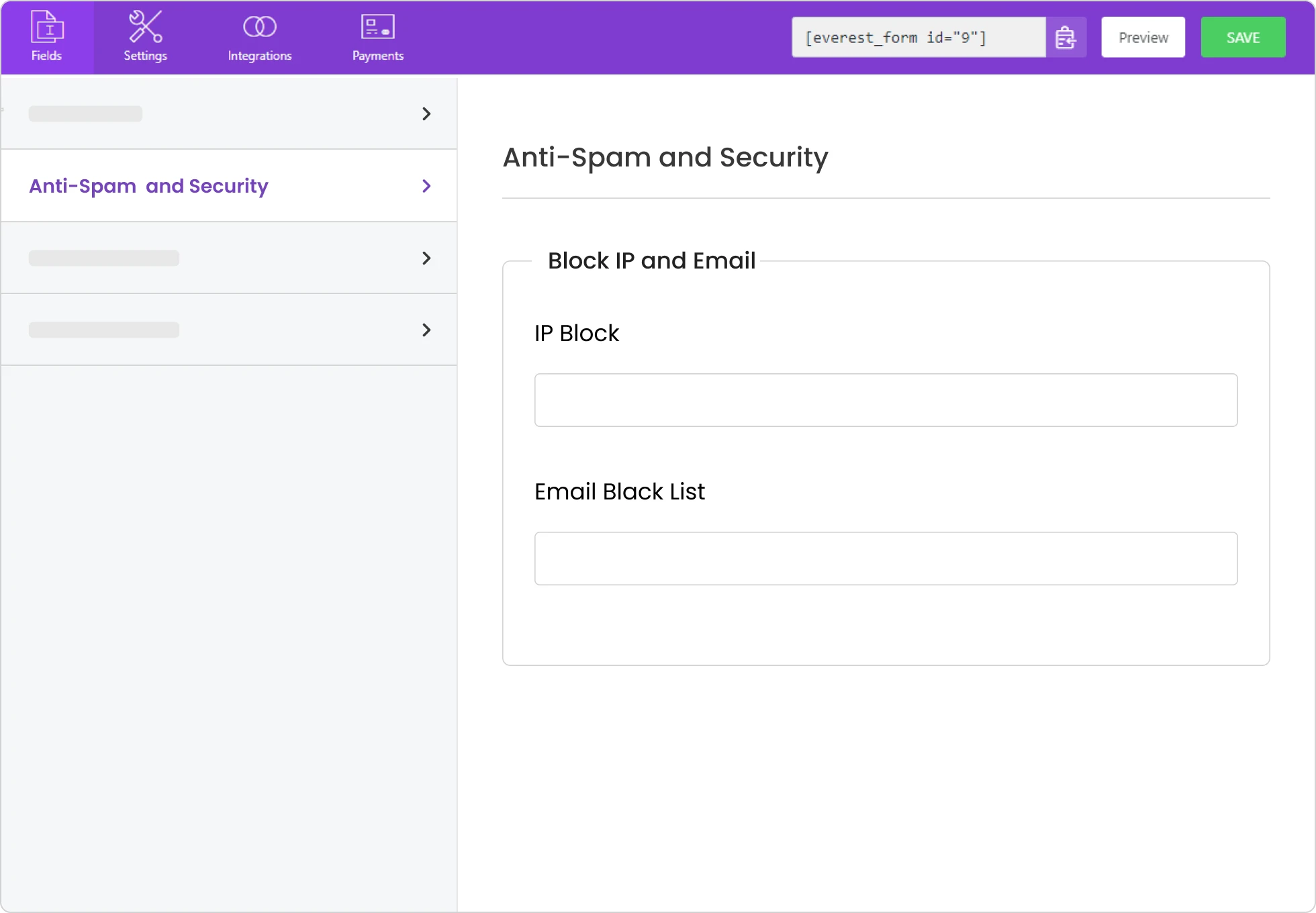
IP block
Deny form submissions from specific IP addresses. Useful when a known source is flooding your form.
Honeypot is on by default. Every new Everest Forms form already filters basic bot submissions from the moment it publishes. The tiers below add further layers on top.
Access control
Control who can submit — and what happens when they do
Everest Forms includes two distinct control layers. Form Restrictions decide whether a visitor can access the form at all. Admin Approval decides what happens to submissions once they arrive.
Form restrictions
Prevent unwanted access before the form is ever seen or submitted
Entry limitation
Cap the number of submissions allowed per day, week, month, year, or all time. Show a custom message when the limit is reached.
Form scheduling
Set a specific day, date, and time window for when the form accepts submissions. A custom message is shown when the form is outside its active window.
User restriction
Limit the form to logged-in users only. Visitors who are not signed in are blocked from accessing or submitting the form.
Password restriction
Gate the form behind a password. Only visitors who enter the correct password can view and submit it.
Country restriction
Block or allow form submissions based on the visitor’s country. Useful for region-specific forms or geographic compliance requirements.
Admin approval
Review and act on submissions before any downstream action fires
Approval workflow
Every submission enters a pending queue. Approve it, deny it, or set it to auto-delete after a number of days. No confirmation email or CRM entry fires until you decide.
Approval email notification
Receive an email when a submission is waiting for review. Configure the recipient address, subject line, body copy, and whether to include the approval link directly in the message.
Approval deadline
Set the number of days before unattended pending submissions are automatically deleted. The queue stays clean without requiring manual intervention.
GDPR compliance
Stay compliant without hiring a developer
Everest Forms includes a set of GDPR controls covering consent collection, data storage, and deletion. Each is a toggle or field setting — no custom code or third-party plugin required.
GDPR consent checkbox
Add a required consent checkbox to your form. The form cannot be submitted until the user checks it — consent is on record before any data is stored.
Disable IP address storage
Stop Everest Forms from saving the submitter’s IP address and user agent alongside each entry. Reduces the personal data footprint of every submission.
Disable storing entries
Prevent form data from being saved to your WordPress database. Submissions go directly to your email and are never written to the site.
Delete data on deactivation
Permanently delete all collected form data when the Everest Forms plugin is deactivated. Nothing is left behind on your WordPress site.
Scheduled entry deletion
Automatically remove entries after a set retention period. Set the window once — older entries are cleared on schedule without manual action.
What’s included
Security features across Free and Pro
Every feature on this page, grouped by section. Free features are available on all plans. Pro features require an active Everest Forms Pro licence.
| Feature | Free | Pro | What it does |
|---|---|---|---|
| Spam protection | |||
| Honeypot | ✓ | ✓ | Silent hidden field — invisible to users, catches bots automatically |
| Custom CAPTCHA | ✓ | ✓ | Math or text challenge, no API key required |
| Google reCAPTCHA v3 | — | ✓ | Invisible background scoring, no challenge shown to users |
| Google reCAPTCHA v2 | — | ✓ | Checkbox or image challenge served by Google |
| hCaptcha | — | ✓ | Privacy-focused CAPTCHA alternative |
| Cloudflare Turnstile | — | ✓ | Low-friction visual verification, no image puzzles |
| Akismet | — | ✓ | Cross-site spam database check on every submission |
| CleanTalk | — | ✓ | Cloud spam filter, no CAPTCHA shown to users |
| Domain whitelist / blacklist | — | ✓ | Allow or block submissions by email domain |
| IP block | — | ✓ | Deny submissions from specific IP addresses |
| GDPR compliance | |||
| GDPR consent checkbox | ✓ | ✓ | Required consent field, blocks submission until checked |
| Disable IP address storage | ✓ | ✓ | Stops IP address and user agent being saved with entries |
| Disable storing entries | ✓ | ✓ | Sends data to email only — nothing written to the database |
| Delete data on deactivation | ✓ | ✓ | Permanently removes all form data when plugin is deactivated |
| Scheduled entry deletion | — | ✓ | Auto-removes entries after a set retention period |
| Access control | |||
| Entry limitation | — | ✓ | Cap submissions per day, week, month, year, or total |
| Form scheduling | — | ✓ | Set a date and time window for when the form is active |
| User restriction | — | ✓ | Limit form access to logged-in users only |
| Password restriction | — | ✓ | Gate the form behind a password |
| Country restriction | — | ✓ | Allow or block access by visitor country |
| Admin approval workflow | — | ✓ | Holds submissions in a queue for manual review before any action fires |
| Approval email notification | — | ✓ | Email alert with configurable approval link when a submission arrives |
| Approval deadline | — | ✓ | Auto-deletes unattended pending entries after a set number of days |
Who uses these features
Forms small businesses actually run
Each card names the features at work — not marketing outcomes.
Contact and lead gen forms
Honeypot and reCAPTCHA stop bots before they reach your inbox. GDPR consent field covers EU visitors. Clean leads route to your CRM without junk data.
Features used
Honeypot, reCAPTCHA, GDPR consent field
Booking and appointment forms
Admin Approval holds submissions until you are ready to confirm. Form Restriction closes the form when your calendar is full or a deadline passes.
Features used
Admin Approval, Form Restriction
Job applications and registrations
Domain filtering blocks disposable email addresses before they enter your applicant list. E-signature collects consent on the same form without a separate document.
Features used
Domain whitelist / blacklist, E-signature, Admin Approval
Use cases
Who uses these features
Membership and community sites
Gate registration forms to logged-in users and use admin approval to vet applications before granting access. Honeypot runs in the background to stop bot signups.
Common forms:
Member applications, account registration, access requests
HR and recruitment teams
Collect job applications with e-signature consent for background checks. Use admin approval to move candidates through stages. Restrict applications to a date range or entry cap.
Common forms:
Job applications, candidate screening, consent and NDA forms
Healthcare and regulated services
Collect signed intake forms and patient consents with e-signature fields. GDPR compliance tools record consent with a timestamp. Domain filtering blocks non-patient email addresses.
Common forms:
Patient intake, consent forms, appointment requests
eCommerce and B2B stores
Restrict wholesale inquiry forms to verified business email domains. Block disposable addresses from hitting your quote request forms. Add e-signature to terms acceptance on custom order forms.
Common forms:
Wholesale inquiries, custom orders, terms and conditions sign-off
Common questions
Questions about Everest Forms spam protection and GDPR
Does Everest Forms stop spam without showing a CAPTCHA to visitors?
Yes. Honeypot protection runs silently on every Everest Forms form and requires no user interaction. It is enabled by default, so your form is already filtering basic bot submissions without displaying any challenge. Cloudflare Turnstile (Pro) also works without a visible puzzle — it verifies visitors in the background and only surfaces a minimal widget in ambiguous cases. Google reCAPTCHA v3 (Pro) works the same way, scoring submissions invisibly with no challenge shown to real users.
Is Everest Forms GDPR compliant for EU visitors?
Everest Forms includes a GDPR consent checkbox field, the option to disable IP address and user agent storage, and controls for entry deletion on a schedule or on plugin deactivation. These cover the form-level requirements most WordPress sites need. Whether your site is fully GDPR compliant depends on your broader setup — your privacy policy, hosting, and any third-party integrations — but Everest Forms gives you the form-side controls to collect and manage consent correctly.
What spam protection is included in the free version?
The free version includes Honeypot and Custom CAPTCHA. Honeypot is enabled by default and requires no configuration — it silently blocks basic bot submissions from the moment your form goes live. Custom CAPTCHA lets you add a simple math or text challenge without an external account or API key. For most low-traffic contact forms, these two layers are enough. Pro adds Google reCAPTCHA, hCaptcha, Cloudflare Turnstile, Akismet, CleanTalk, domain filtering, and IP blocking on top.
Can I block specific email addresses or domains from submitting my form?
Yes, with Pro. Domain Whitelist and Blacklist lets you allow or block submissions based on the submitter’s email domain — useful for blocking disposable address services or restricting a form to your own domain. IP Block lets you deny submissions from specific IP addresses directly. Both are configured per form inside the Spam Protection settings tab.
How do I know if my WordPress form is collecting GDPR consent correctly?
Once the GDPR Consent Field is added to your form and set as required, each submission stores a consent record alongside the entry in your WordPress database. To verify it is working, submit a test entry and open it in Everest Forms under Entries. The entry view will show the consent field value — confirmed or not confirmed — alongside the submission timestamp. If the consent field is present and the test entry shows a confirmed value, consent is being collected and stored correctly for that form.
Does switching to a paid plan affect my existing forms?
No. Upgrading to Pro installs additional features alongside the free plugin — it does not modify, migrate, or reset any forms you have already built. Your existing fields, settings, notifications, and stored entries remain exactly as they were. Pro features become available in the builder immediately after activation and can be added to existing forms at any time, but nothing changes unless you make it change.
Secure your forms before the next submission arrives
Spam filtering, access control, GDPR consent, and e-signatures are all included in Everest Forms. Install free and add Pro features when you need them.
Or download the free version on WordPress.org